Language support and configuration
Tigermeeting is well aware, how important the common language is for the communication and maintaining the company culture.
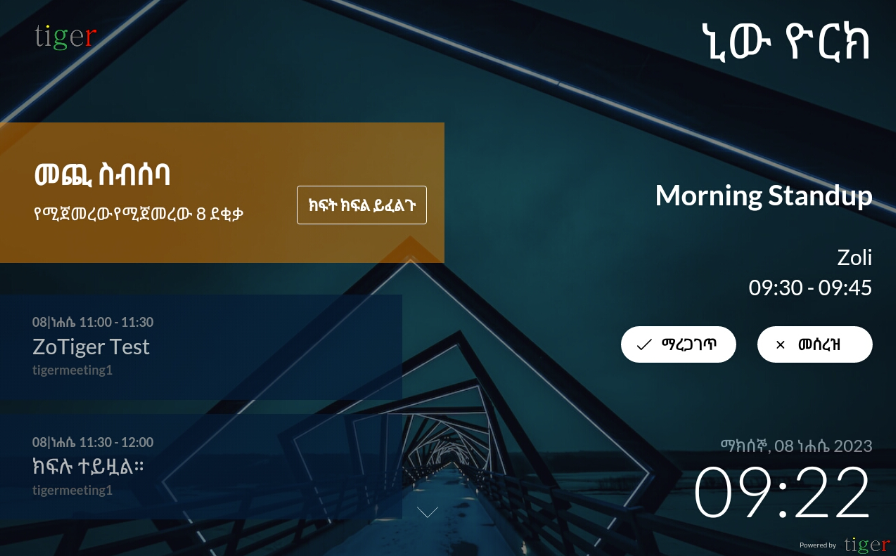
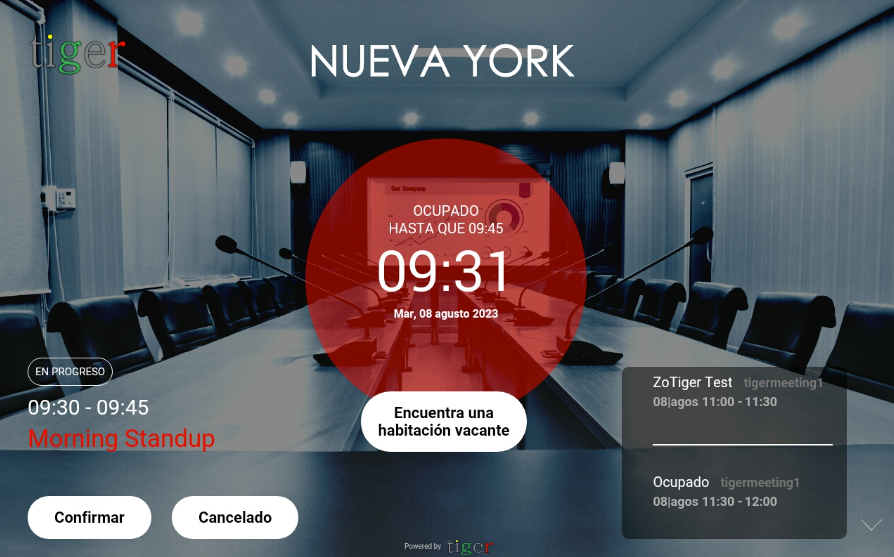
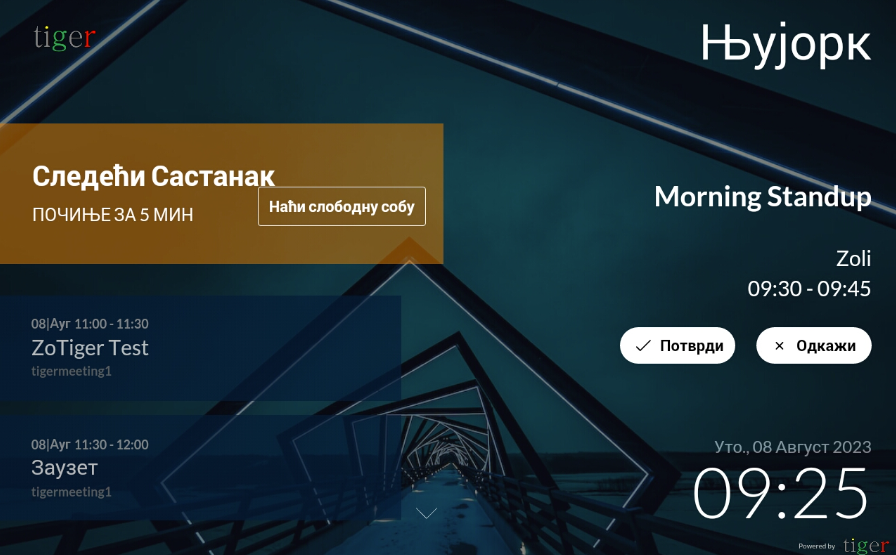
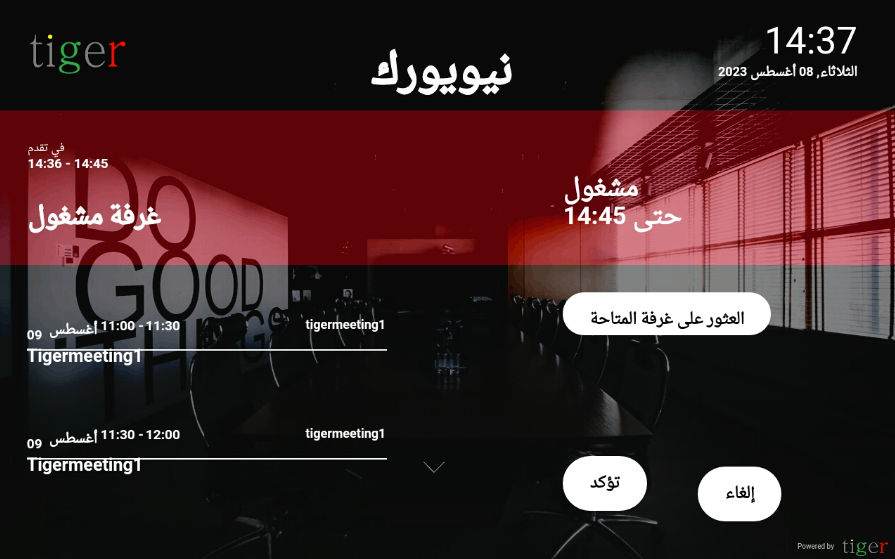
Even, if the English language is dominant in the IT technology world - and Tigermeeting is not an exception (as the Admin app uses only English lanuage for the configuration)... but all the public/user facing devices, the booking screens and the overview screens are easily localized.
Currently, Tigermeeting solution supports more than 50 languages - among them:
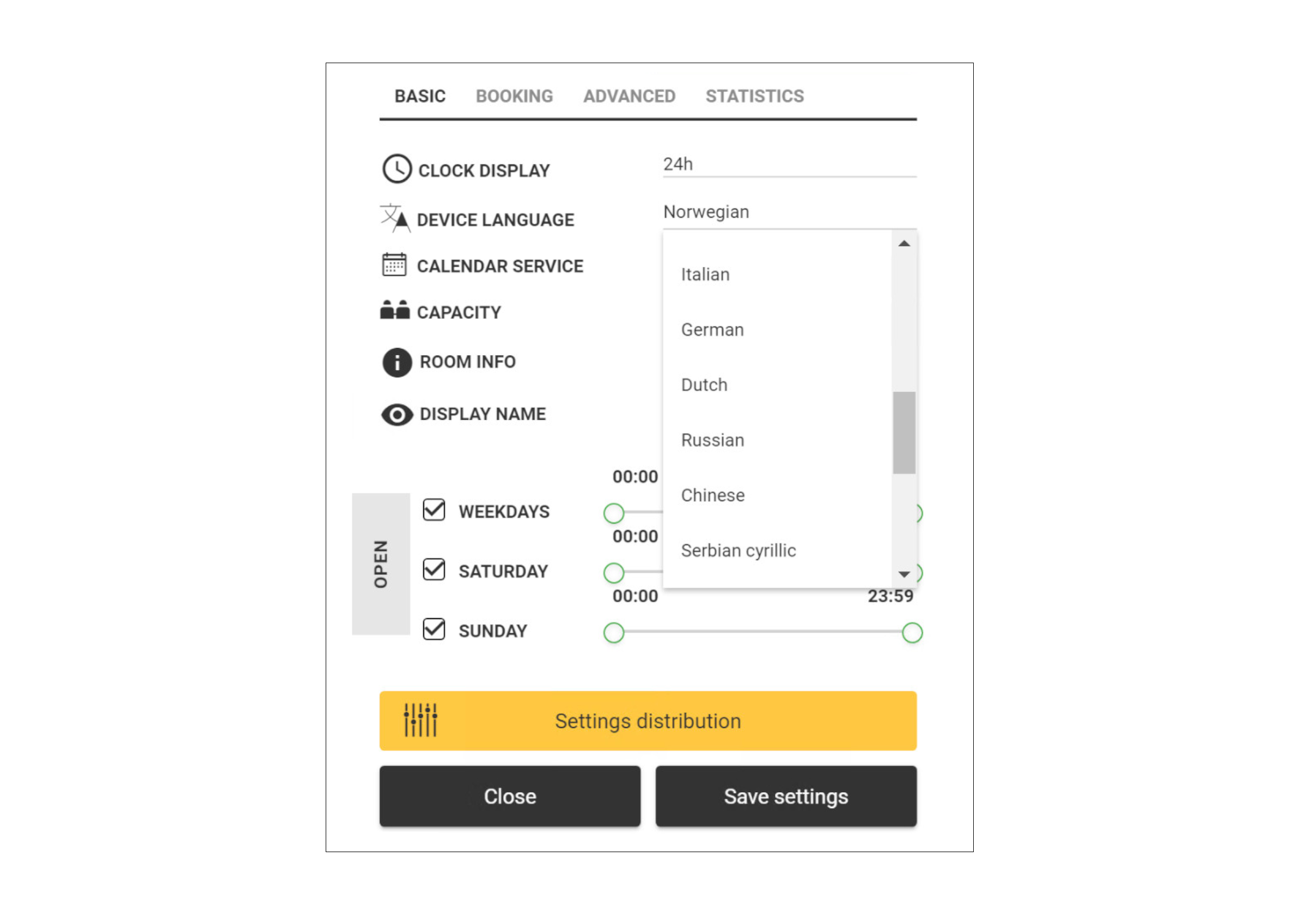
en (English) hu (Hungarian) sr (Serbian) sv (Swedish) da (Danish) no (Norwegian) bs (Bosnian) hr (Croatian) es (Spanish) is (Icelandic) fi (Finnish) fr (French) it (Italian) de (German) nl (Dutch) ru (Russian) zh (Chinese) zf (Chinese traditional) ar (Arabic) sr-cyr (Serbian Cyrillic) pt (Portuguese) et (Estonian) lv (Latvian) lt (Lithuanian) pl (Polish) cz (Czech) ro (Romanian) el (Greek) he (Hebrew) ja (Japanese) mk (Macedonian) tr (Turkish) th (Thai) am (Amharic) af (Afrikaans) hi (Hindi) id (Indonesian) fa (Persian) be (Belarusian) uk (Ukrainian) sl (Slovenian) sk (Slovak) vi (Vietnamese) ms (Malay) hy (Armenian) az (Azerbaijani) ph (Filipino) sq (Albanian) mfe (Mauritian Creole) ko (Korean)
The Tigermeeting suite uses an advanced, innovative and dynamic localization technology.
In case your language is not listed, or as a native speaker, you realize that the translation colud be improved, please send a request to support@tigermeering.app for a resolution - and the language can be easily added/changed without any software upgrade and being deployed within few hours.
The lanuages are easily choosable from the Admin app for each device. With Tigermeeting the localisation is always just one click away.
 |
 |
 |
 |
Text input
On screen text input supports many languages and keyboard layouts, including many RTL layouts.
Currently the following keyboard layouts are supported: arabic, armenian, belarusian, portuguese, chinese, czech, english, persian, french, german, greek, hebrew, hindi, hungarian, italian, japanese, korean, macedonian, norwegian, polish, russian, spanish, swedish, thai, turkish, ukrainian
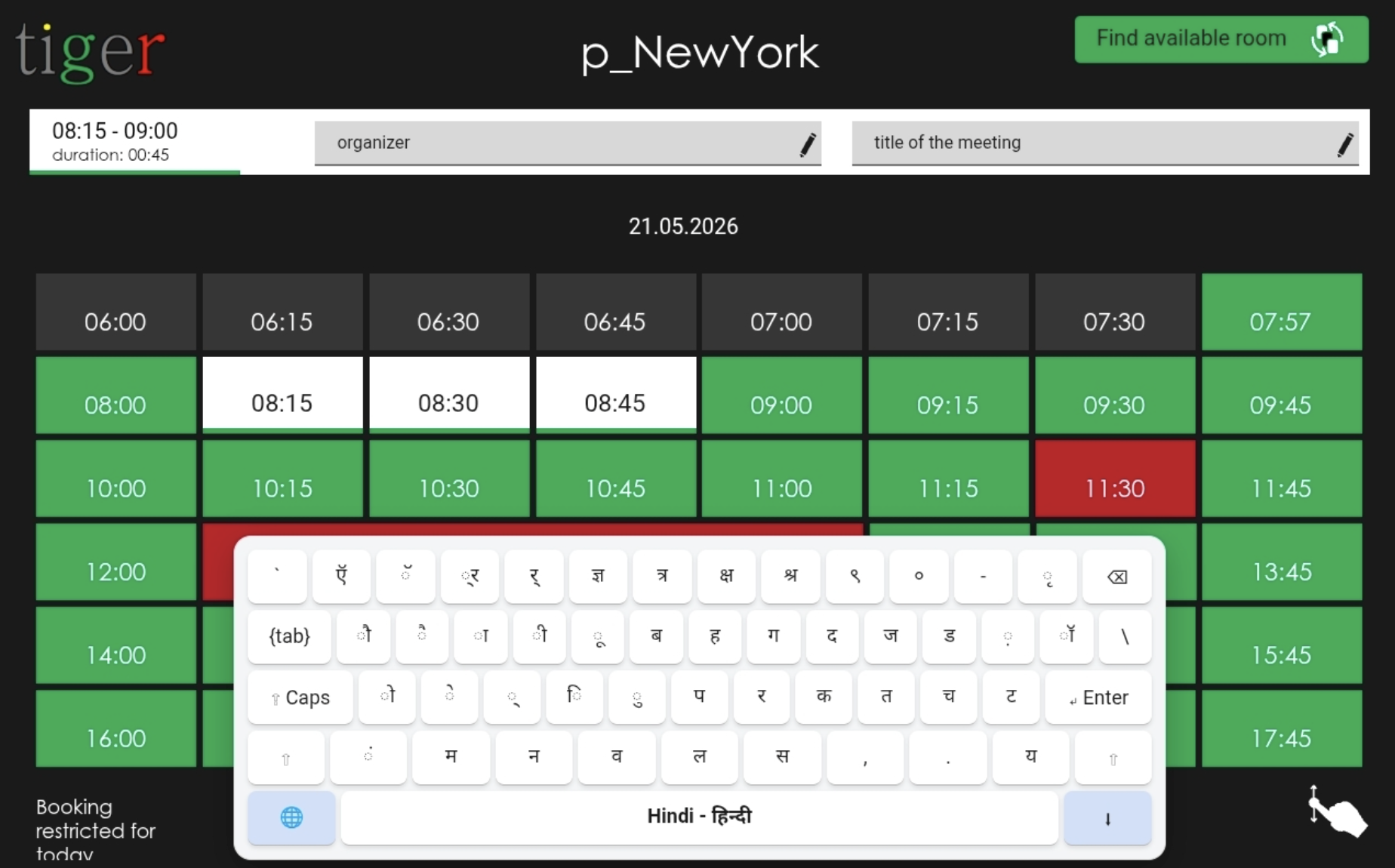
The keyboard will attempt to align with the configured device language or falls back to English, in case a suitable keyboard layout is not found.
Keyboard layouts can be switched during typing, allowing characters from different layouts to be mixed within a single text. Pressing the “globe” button cycles through the supported keyboard layouts in sequential order.
Manuals
Tigermeeting manuals are translated to several languages, depending of the market and distributors requirements.
Please download them from https://tigermeeting.app/en/downloads
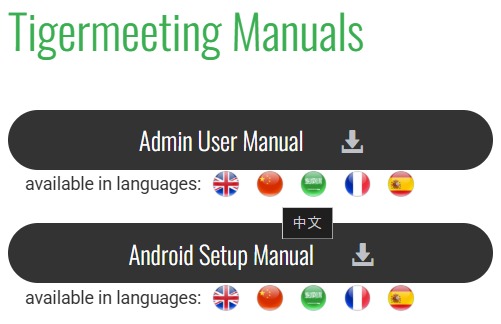
Please, do not hesitate to ask Tigermeeting support, in case you need the manuals in your local language.
AI document assistant
Navigating several hundred pages of technical documentation can be slow, frustrating, and disruptive when you simply need an answer right now. To make this easier, we trained our AI Assistant on the entire product documentation set. It understands the structure, terminology, and workflows described in the manuals — and it can instantly point you to the exact page and paragraph where the information lives.
You can ask questions in any language, and the assistant will respond in the same language automatically. Whether you need installation steps, configuration guidance, troubleshooting help, or a quick explanation of a feature, the AI Assistant searches the documentation for you and delivers a clear, concise answer.
Instead of scrolling through hundreds of pages, you get:
- A direct answer
- A list of relevant source pages
- One‑click access to the exact location in the manual
- Multilingual support
- Faster onboarding and reduced support time
This is like having a Customer Support agent sitting beside you, when you need it.
